


Payment Center
We have a variety of ways you can pay your bill, so choose whatever works for you!



If you ever have questions or concerns about your bill, please contact our customer service team at (616) 772-6212.

Pay Online
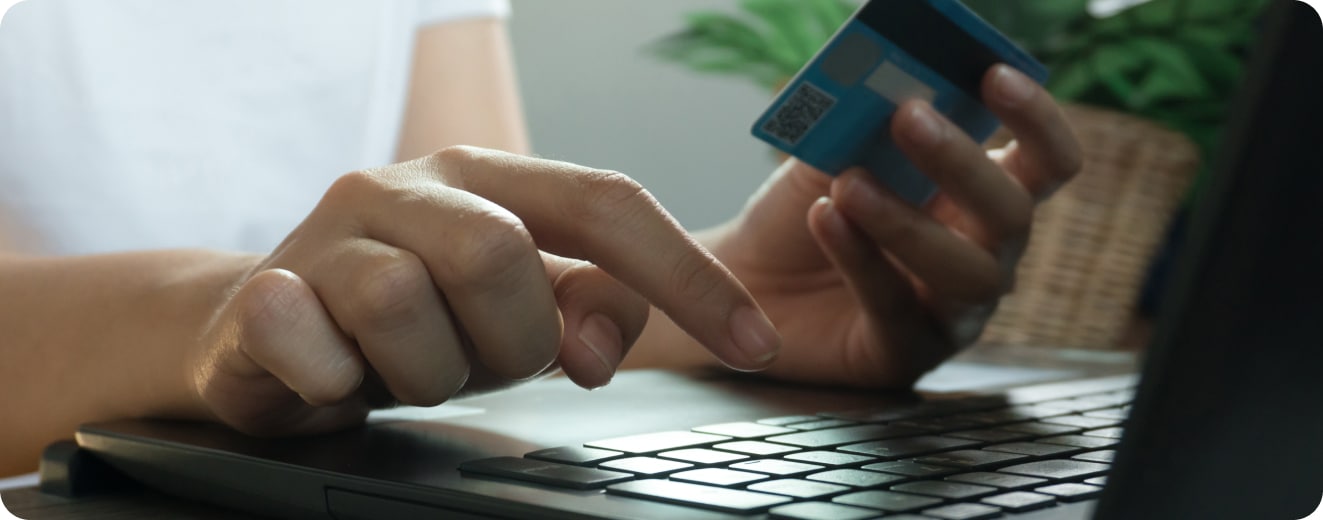
Customers can use their myBPW account to view their usage, make payments, and request/transfer service.
How to Create an Account:
- Step 1: Visit my.zeelandbpw.com or click on the "myBPW" button in our menu.
- Step 2: With your most recent utility bill handy, click on "Sign Up." Hint: You'll need your account number and last bill amount.
- Step 3: Fill in the required information including your account number (be sure to include all digits including the dash, e.g. 12345678-12)
- Step 4: Follow the prompts to set up your username and password. You can choose to opt-in for paperless billing by checking the box. Click on “Complete Registration” and you are done!
- Step 5: Forgot your login? Click on "Forgot password" and enter your email. You'll receive instructions to reset your password.
Pay by Mail
or In-Person
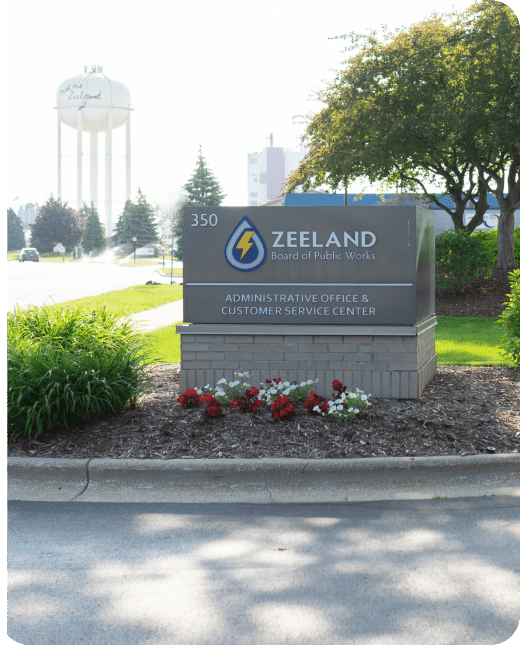
350 E. Washington Ave., Zeeland MI 49464
NOTE: Our main office will undergo construction begining September 2025. Stop by our temporary office at Howard Miller Community Center.
Lobby Hours
8 am - 4 pm
During construction, our dropbox will be available behind City Hall.
We do not recommend mailing cash but checks and money orders are gladly accepted! You can mail checks to our office, stop in during our lobby hours.